Download Badger Desktop
Activate Badger on your work computer in minutes. Download the desktop app, sign in with your employee account, and connect to your office network to start protecting your device.
Before You Install
Make sure your computer meets the following requirements:
- 1.Windows 10 or later, or macOS 12 or later
- 2.Stable internet connection
- 3.An active Badger employee account
- 4.Access to your organization's office network
- 5.Administrator permission (if required by your organization)


Install in 3 Simple Steps

Download Badger Desktop
Choose the version for your operating system and download the installer.
Install the Application
Open the downloaded installer and follow the on-screen instructions to complete the installation.
Launch Badger
Once installed, open Badger Desktop to begin setup.
Set Up Badger
Follow these steps after installation:
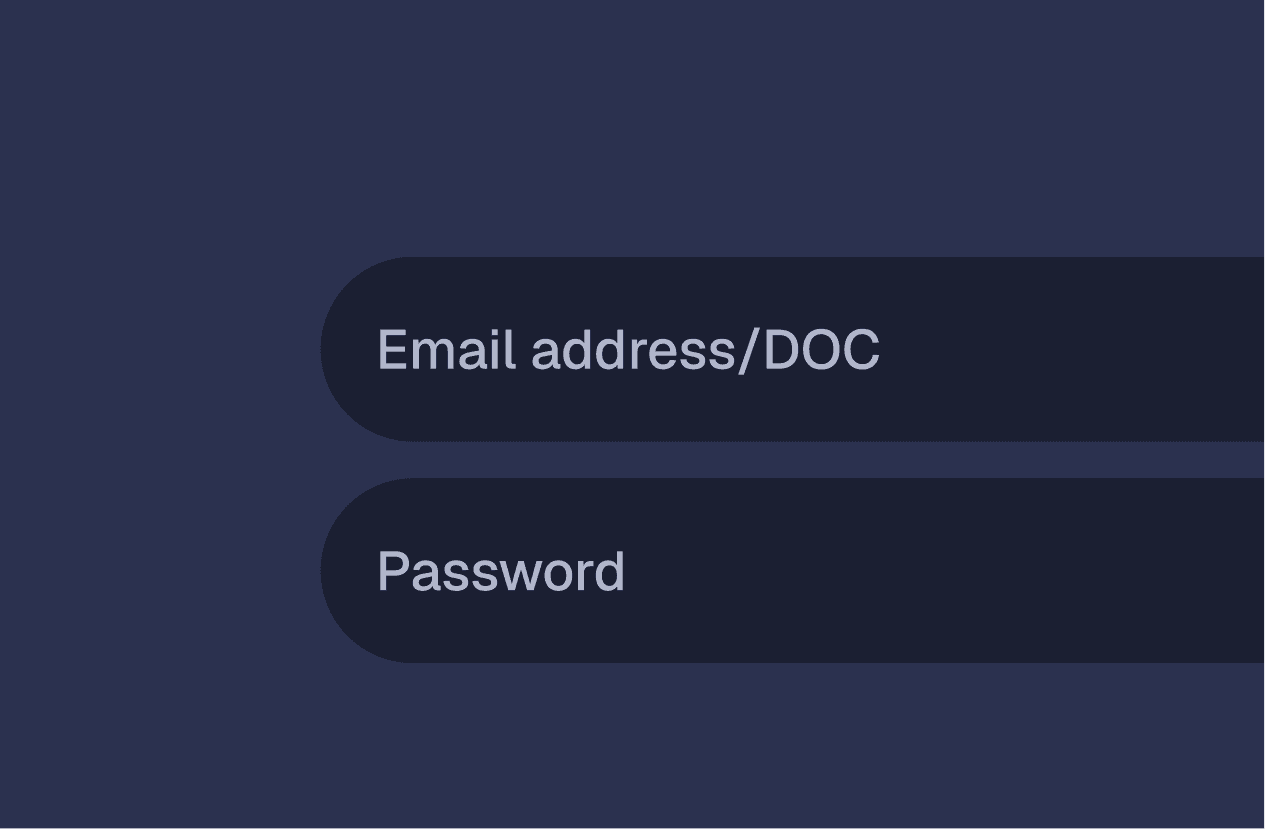
Sign in using your employee email and password.
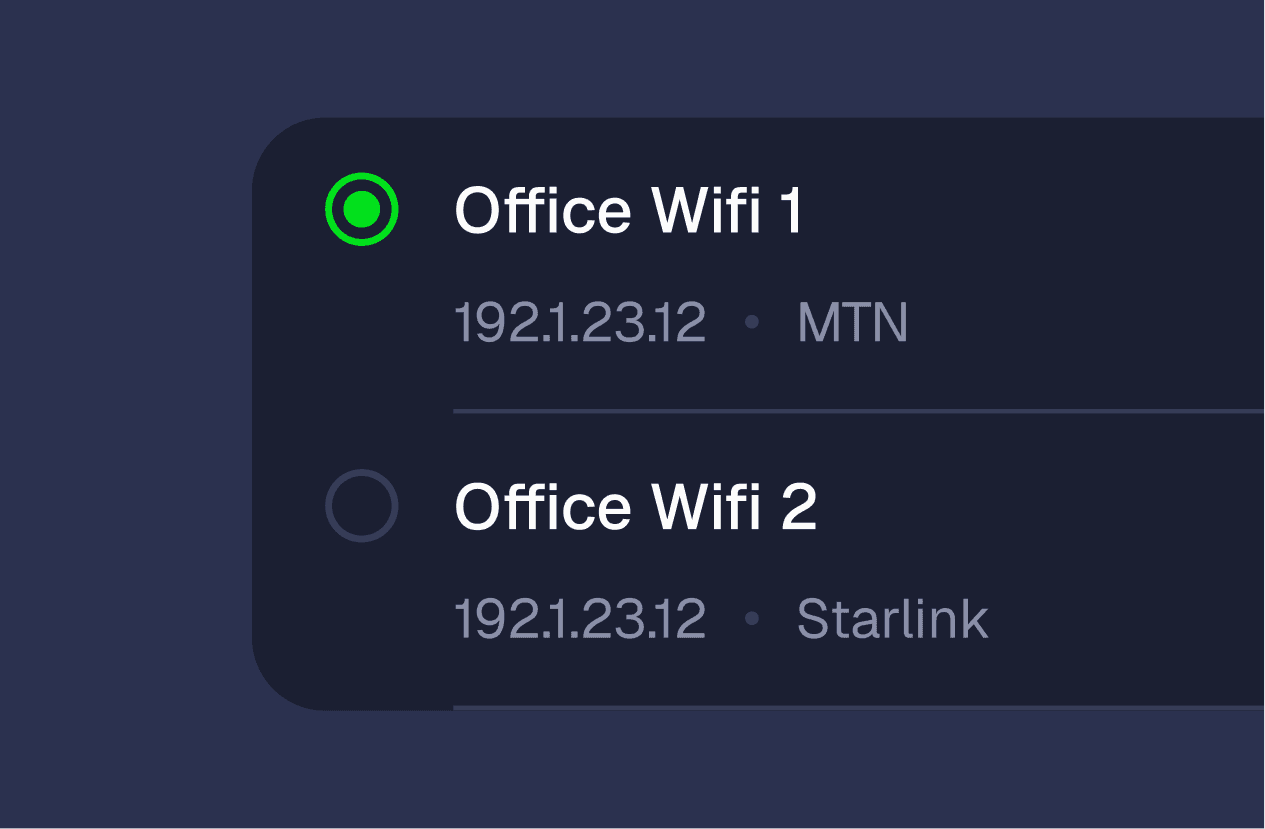
Select the office Wi-Fi or network your computer is currently connected to.
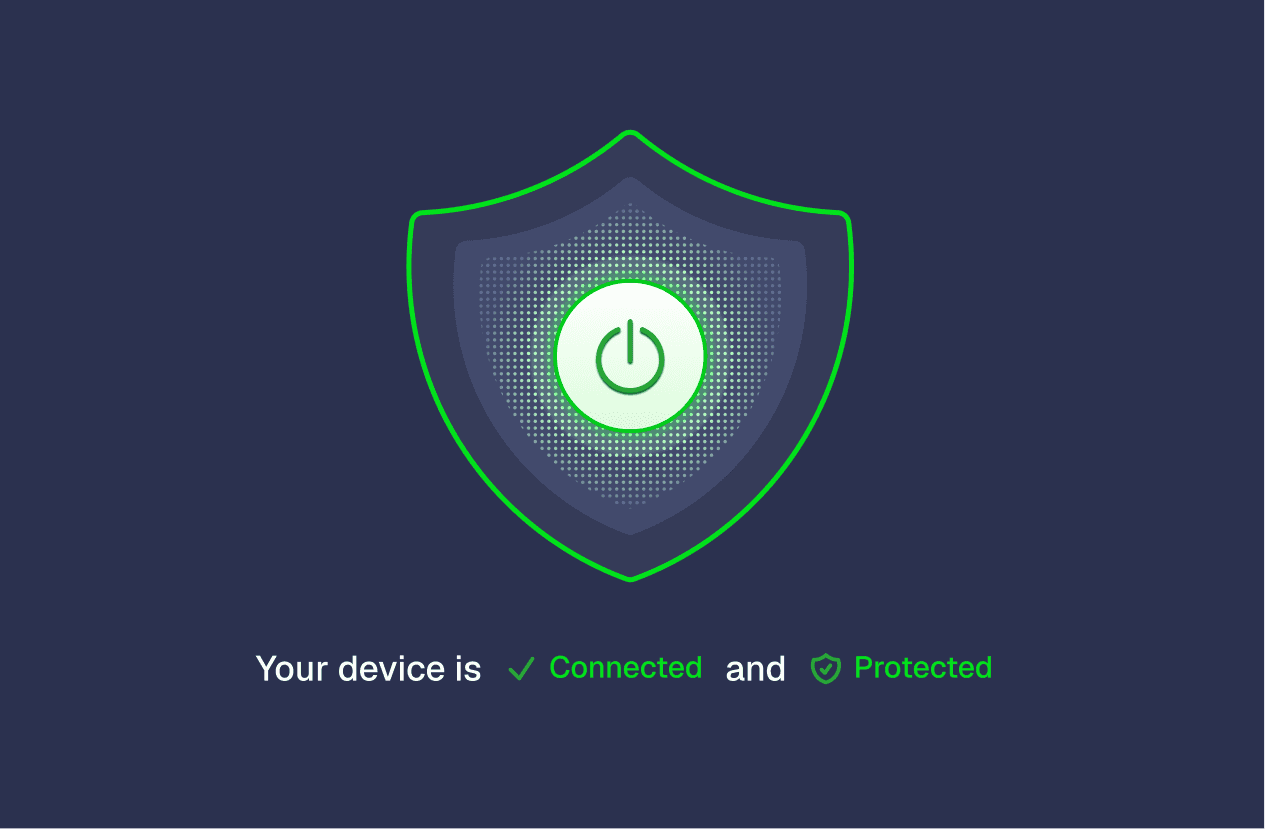
Click Turn On Badger to activate protection for your device.

Leave Badger running in the background while you work to ensure continuous protection.
Helpful Tips
- •Make sure you're connected to your organization's office network before turning on Badger.
- •Use your assigned employee credentials when signing in.
- •Keep Badger running for uninterrupted protection.
- •Regularly update the app to access the latest improvements and security enhancements.